How LOKL works

Your Page. A home for everything you run.

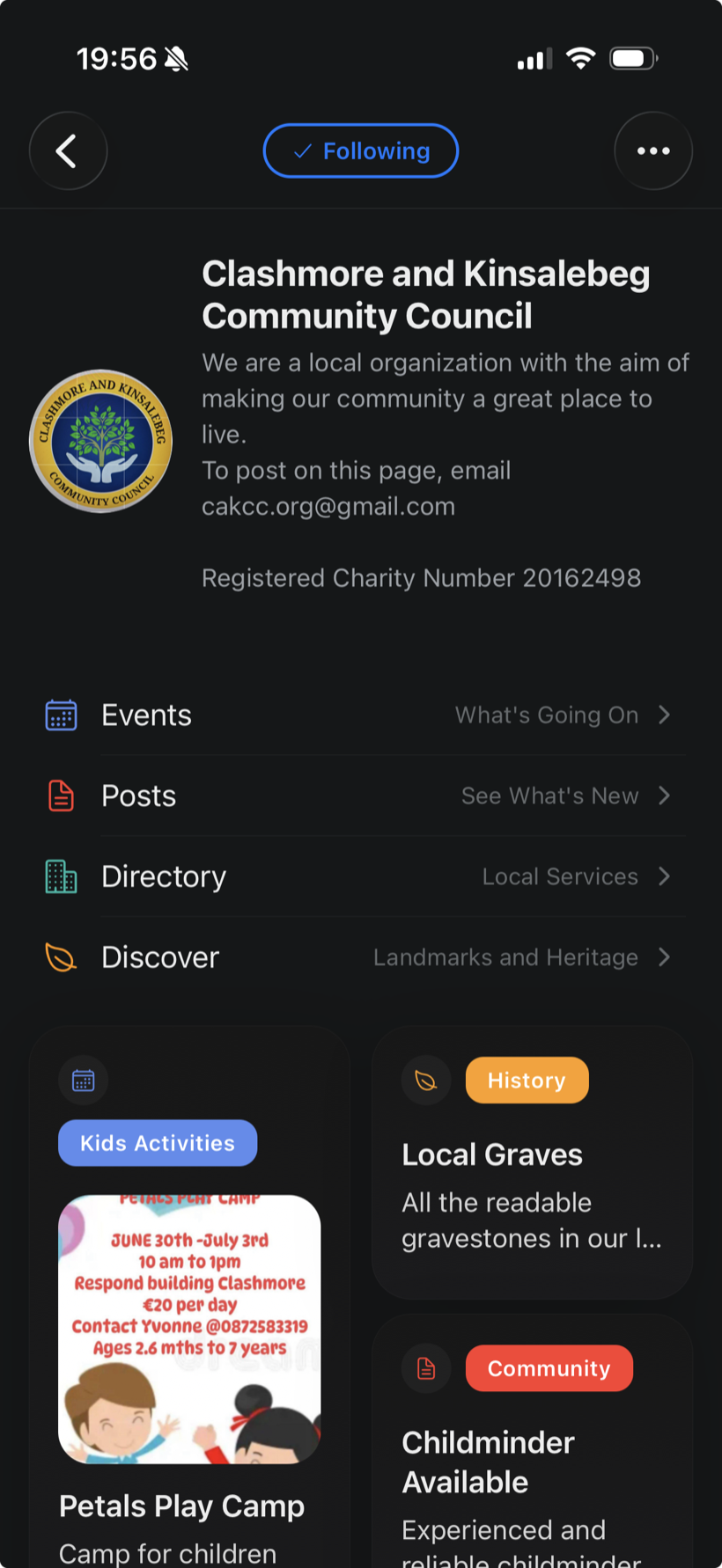
Make a Page for your club, group or business. Add what's on once: it's on your Page's link, in the Places you choose and on your followers' phones. The link opens in the LOKL app and in any browser.

Your home

One link, everywhere.

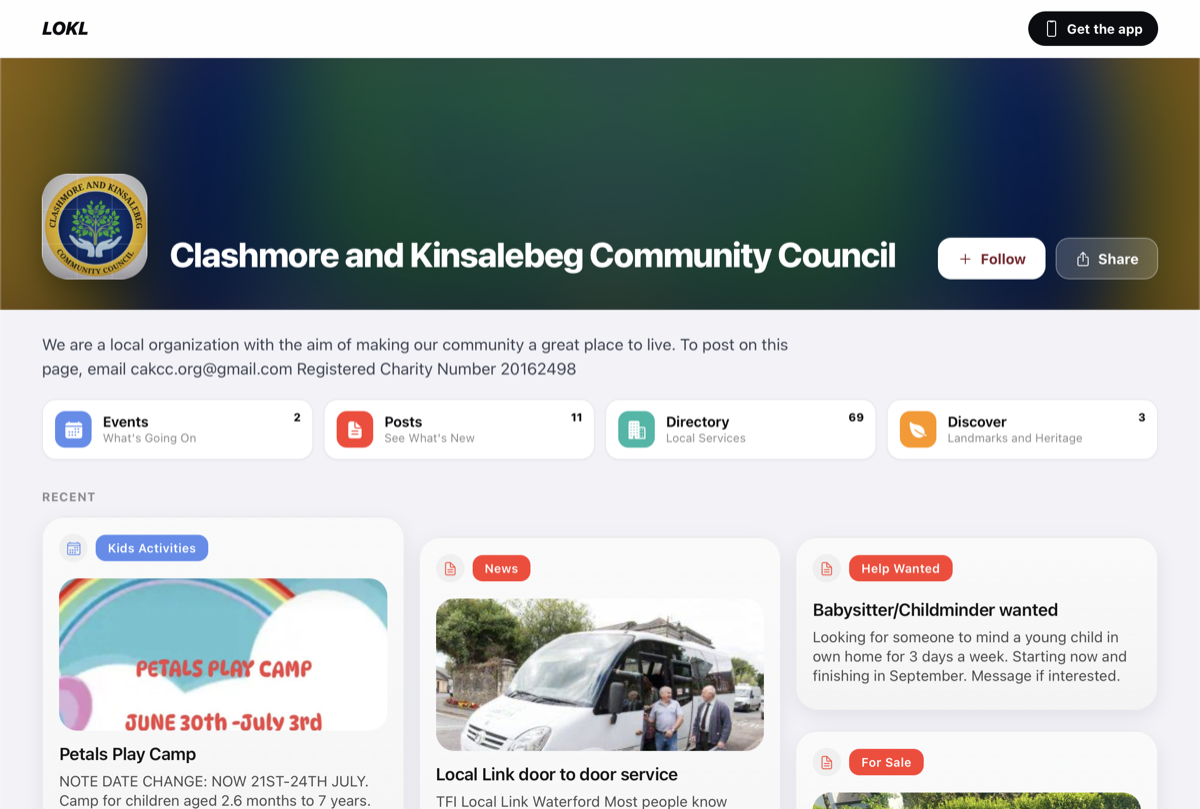
Put it on posters, in email signatures, in the group chat and in your social bios. Anyone can open it, app or no app, and it’s always up to date.

  • Everything you run, on one Page
  • Opens in any browser, no app needed
  • Tidy previews wherever the link is shared
Found locally

Found by the people nearby.

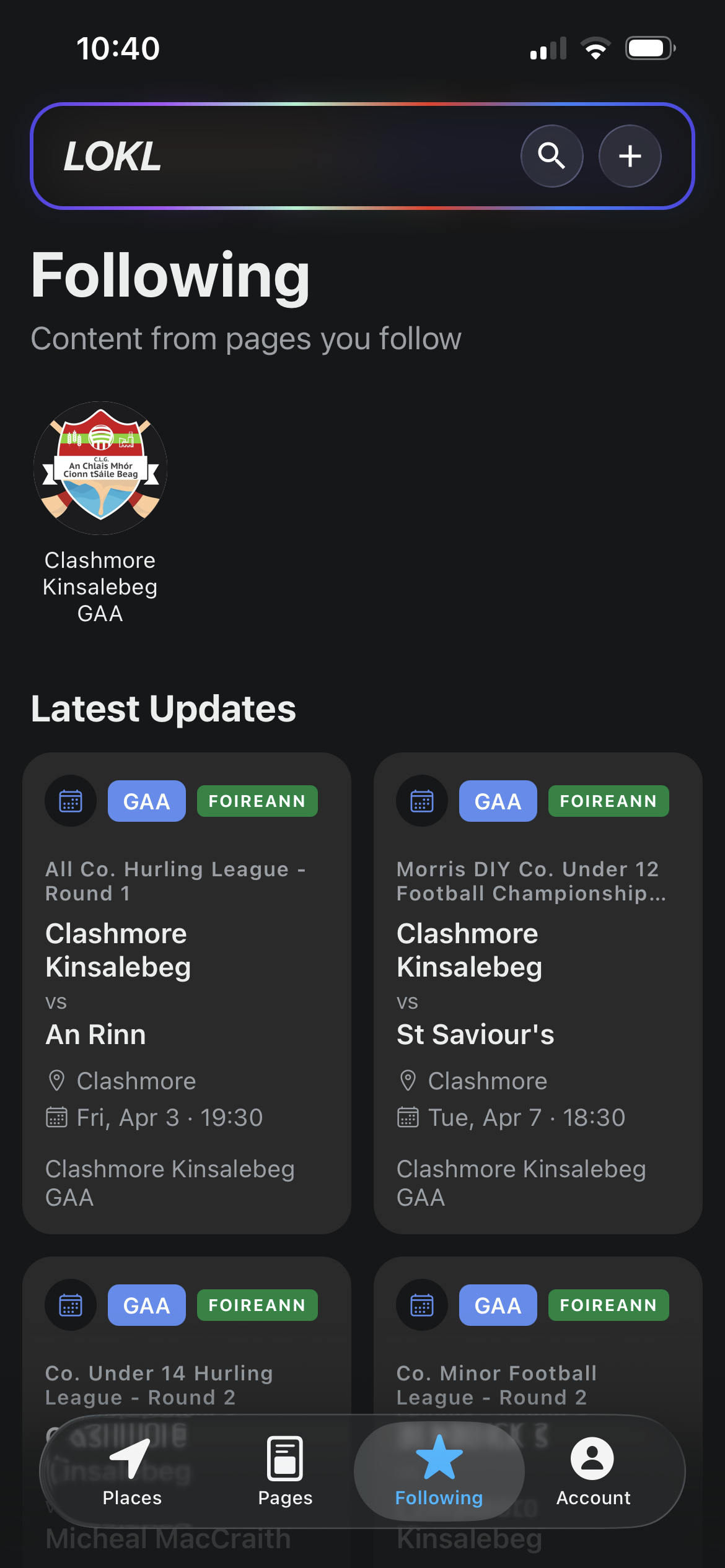
Share anything to a Place and it appears for everyone looking at that area. People who follow your Page get a notification when you post.

  • Share to one Place or several
  • Followers hear about it straight away
  • Shows up in search

Always current

Keeps itself current.

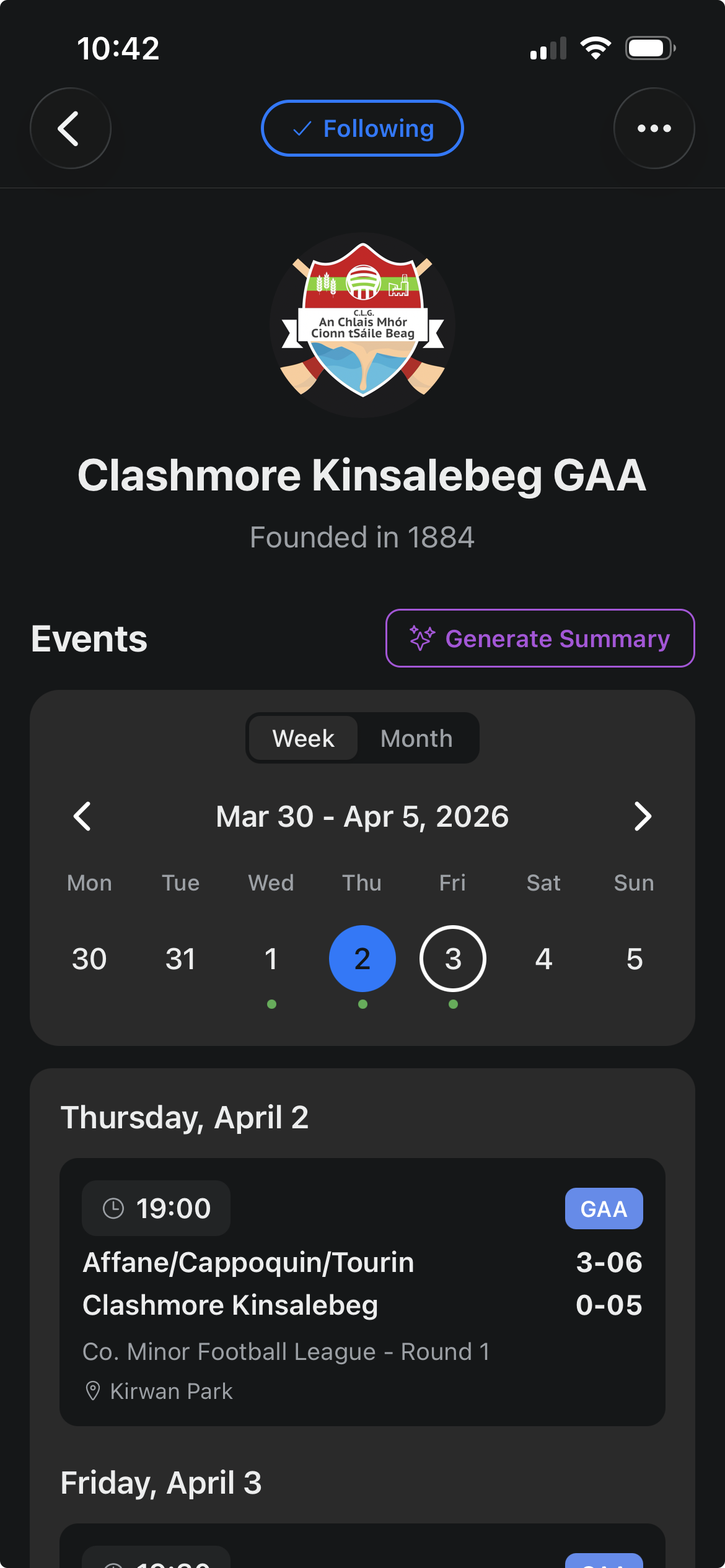
Connect Foireann and fixtures and results arrive on their own. Set up a repeating event once. Turn any event into a poster in a tap.

  • Fixtures and results from Foireann
  • Events that repeat daily, weekly or monthly
  • A poster for any event

Run it together

Yours to run.

Add the people who help you run it, and everyone keeps the same Page up to date.

  • Invite admins and contributors
  • Post from your own phone
  • Free to make and run

Step by step

From the app to your first post.

Get set up

  1. 1

    Download LOKL

    Get the app on the App Store or Google Play.

  2. 2

    Create your account

    Tap Sign Up and enter your name, email, a password of at least 6 characters, and your phone number.

  3. 3

    Verify your phone number

    Before you add anything, LOKL sends a 6-digit code to your phone. Enter it once and you're verified. It keeps LOKL trustworthy.

Make your Page

  1. 4

    Create your Page

    Account Tab, then My Pages, then Create Page
    1. Give it a name and a short description.
    2. Pick what best describes it: a sports club, a community group, a café, a trade, and many more.
    3. Add a photo, and your address, phone, email and links, if you like.
    4. Tap Create Page.

    Your group already has a Page? Ask whoever runs it to invite you (step 10) instead of making a second one.

Add what's on

  1. 5

    Tap + and pick what you're adding

    The + is at the top of the screen. Everything you add lives on your Page.

    Event

    Sports, classes, markets, festivals. One date or repeating daily, weekly or monthly, with a venue, photos, files, sub events, and ticket or stream links.

    Post

    News, lost & found, for sale, menus, help wanted. Add photos, files or a poll.

    Directory

    A shop, a restaurant, a service. Add contact and social details, photos and files.

    Discover

    Heritage sites, walks and points of interest. Add a venue, routes, photos and files.

  2. 6

    Choose your Page under Post from

    If you run more than one Page, pick the one it belongs to.

Reach more people

  1. 7

    Share it to a Place Optional

    Pick the Places it's for, and it shows up there for everyone looking at that Place. Without a Place it stays on your Page.

  2. 8

    Your followers hear about it

    Everyone who follows your Page gets a notification when you add something.

  3. 9

    Share the link

    Every Page and post has its own lokl.co link that opens in any browser, no app needed. Tap the share button to send it, or put it on your socials or in a newsletter.

Run it together

  1. 10

    Invite others to help

    Account Tab, then My Pages, then your Page, then Manage Admins, then Invite Admin

    Enter their email and choose Admin or Contributor. They accept the invite from their own Account Tab.

More for your Page

Membership

Accept and manage membership applications.

Event Booking

Let users book spots at your events.

Facility Booking System

Let users book your facilities.

Free in beta. Ask for early access from your Page Settings. GAA clubs can also connect Foireann.

More questions or need a hand? Email us at hello@lokl.co

Make your Page on LOKL.

Download the app for iOS or Android and you can have your Page up in a few minutes.